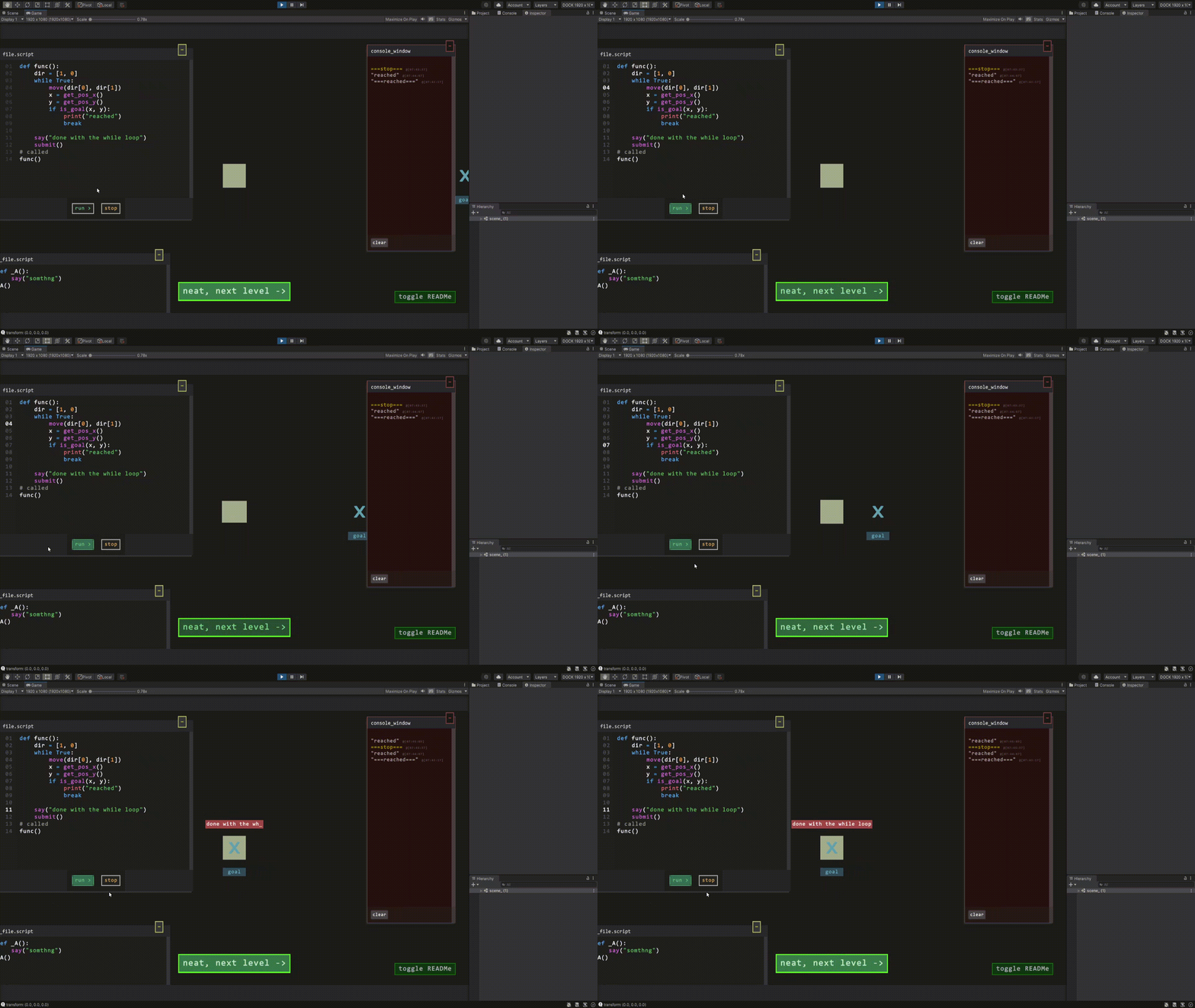
while True: move("right")
About This Game
Instruct little Square with a [Python like scripting language], to reach goals
In while True: move("right"), built for fun/education
Key Features
- the game uses in game python-like syntax
Use familiar constructs—variables,for/whileloops, and built-in functions (print,sleep,len,range)—to solve each puzzle.
- in game commands
move(dx,dy)ormove("right")— step your avatar one cellis_block(x,y)/is_goal(x,y)— check for walls or the goal aheadget_pos_x(),get_pos_y()/get_goal_x(),get_goal_y()— read coordinatessay("…")— display messages in the worldsubmit(value?)— finish the level and send back your result
Example Script
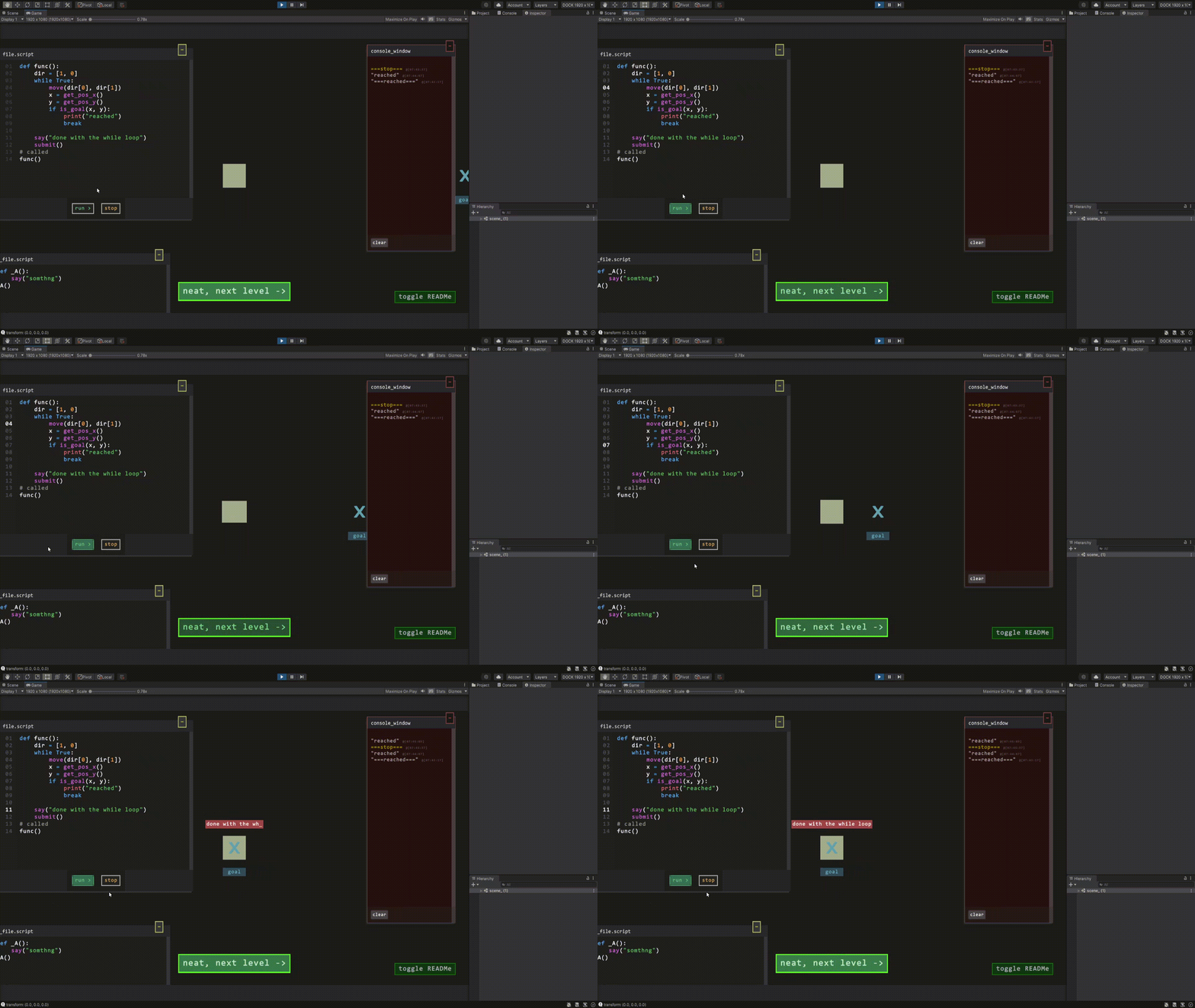
def routine():
    while True:
        move(1, 0) # direction to move
        if is_goal(get_pos_x(), get_pos_y()):
            break
    say("reached")
# call the function
routine()
Thanks for checking the game! The game is still in prototype stage, and I’d love to hear any suggestions or ideas for future improvements.
FAQ
-
What language does the player use?
The game uses a simple, Python-like scripting language. You don’t need to know full Python—just the basics (variables, loops, functions) are enough. -
Did I embed something special to run the scripts?
No external engine: the in-game scripting language was hard-coded from scratch in Unity3D C#. -
What features does it support so far?
- Nested functions
- Nested lists
- Data types: number, string, list
- Basic operations:
==,!=,>,<,>=,<=,and,or,not, bitwise ops
-
What’s coming next?
The game right now is still in prototype stage: Classes and dictionaries are on the roadmap! would love to hear any improvements/suggestions for future build
Download
Click download now to get access to the following files:
Development log
- while True: move() _[Fixed release v2.0] updateAug 12, 2025
- while True: move() _[Fixed release v2.0]Aug 11, 2025

Comments
Log in with itch.io to leave a comment.
As a programmer, I spent 35 playing the game, but I didn't quite understand what is going. Your video shows that the camera should be moving with a character, but in-game it doesn't, so the second level is getting solved blind.
I solved 3rd level with:
def _A():
gx = -100
gy = -100
found = False
d = 20
for xx in range(5, d):
say(xx)
for yy in range(-d, d):
if is_goal(get_pos_x()+xx, get_pos_y()+yy):
gx = get_pos_x() + xx
gy = get_pos_y() + yy
found = True
break
if found:
break
print(gx, gy)
dx = 1
if gx+0 < get_pos_x()+0:
dx = 0 - 1
dy = 1
if gy+0 < get_pos_y()+0:
dy = 0 - 1
while get_pos_x()+0 != gx+0:
print(get_pos_x(), gx)
move(dx, 0)
while get_pos_y()+0 != gy+0:
move(0, dy)
submit()
_A()
The "+0" stuff is because otherwise you get
<color=red>[ERROR]</color> <color=red>[ERROR]</color> Cannot compare values of types System.Double and System.Int32
but then you can't convert to int with int(x) either:
<color=red>[ERROR]</color> <color=red>[ERROR]</color> Unknown function 'int' at line 15
Similarly, comparison doesn't produce True without "+0".After the 3rd level I got solid blue screen. Is this intended?
P.S.I currently work on a commercial text-coding game (in esoteric programming language). If these types of games interest you as a player, feel free to join as a playtester:)
Hey thanks for pointing it out, since the interpreter was hardcoded in other programming language, there is data type mismatch XD. along with that fix i’ll implement the int() functionality
new: its now browser playable, included more levels
fixed: blue screen after level 3
esoteric programming language sounds interesting, would love to check it out.
How experienced are you with interprets? Have you used external parsing library?
Pro tip: C# has a built-in compiler of C#.
There doesn't seem to be messaging functionality on Itch. Message me on Discord/Telegram/Facebook: @nns2009
hey, pretty new(when it comes to building an interpreter), i always wanted to make a programming puzzle kinda games(my fav genre). GMTK Theme 2025: Gave an oppertunity to research and implement one. chose python like language: cause easier for a beginner player.
as for the interpreter, i built it from scratch tokens, lexicals behaviour etc in C#(hard coded).|
cause i kinda wanted complete control over what the language can do,
for example the line highlight to know what like the program running and in game custom functions such as move(“”), say(“”) etc would have been not convinient by using compiler to gamify as coroutines. (have sent a message on discord: @user_nox)
Pretty impressive you were able to achieve this much during the jam interpret-wise with little prior experience and no libraries. Message received.
Fixed:
I reached the next level with blocks, but "or" seems to not work. I now get "Unsupported binary operator OR at line 27".
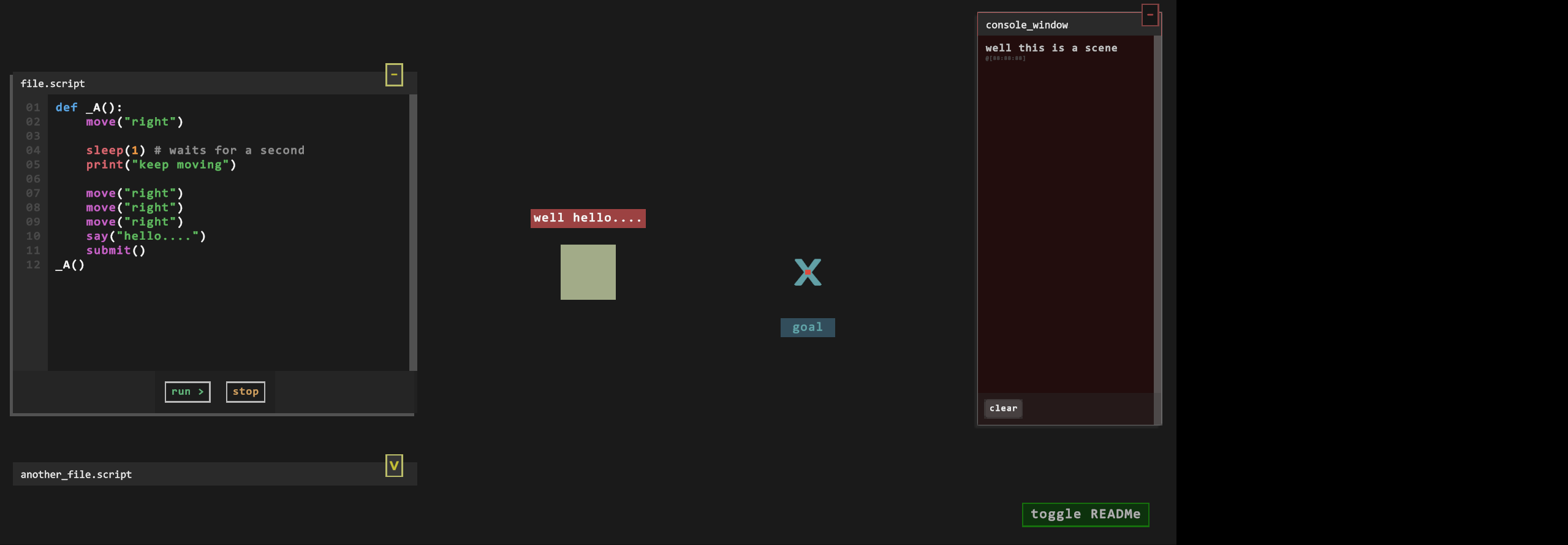
Looking at Windows in your game made me think if I should make UI sections in my game re-arrangeable, but looks like something not worth the effort. What's the purpose for that "Other script Window"? It seems to not do anything, but occupy screen space.
def func(): gx = -100 gy = -100 found = False d = 20 for xx in range(5, d): say(xx) for yy in range(-d, d): if is_goal(get_pos_x()+xx, get_pos_y()+yy): gx = get_pos_x() + xx gy = get_pos_y() + yy found = True break if found: break print(gx, gy) dx = 1 if gx < get_pos_x(): dx = -1 dy = 1 if gy < get_pos_y(): dy = -1 while get_pos_x() != gx or get_pos_y() != gy: if is_block(get_pos_x() + dx, get_pos_y()): while get_pos_x() != gx: print(get_pos_x(), gx) move(dx, 0) else: while get_pos_y() != gy: move(0, dy) submit() func()thanks for pointing out the or functionality.
the other script is for a test run, since there is no undo/redo yet: i figured would be convinient to have a seperate window by side. also wanted to learn resize/minimizable window system.
[edit]: now boolean operations not, and, or as well as bitwise operations >> << | & ~ are supported (updated to v2.0.zip for windows)
I have beaten the game with the following code:
Speaking of minor issues, I noticed that sometimes when resizing a window (specifically, enlarging), line numbers move separately from code.
well done :D you beat the game.
Fixed:
yep, the line number part is kinda tricky to achive with TMP_InputField since (it does’nt come with a scroll view) should use alternate approach, will try again XD.